

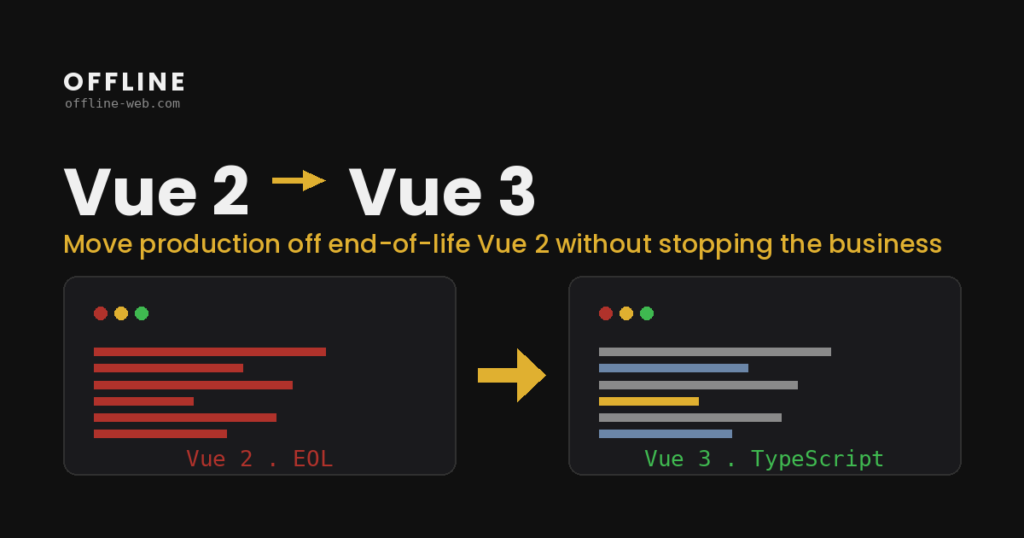
Vue 2 reached its official end of life on 31 December 2023. That does not mean an application stopped working the next morning. It means the framework no longer receives new fixes, bug patches or security updates from the upstream project.
For an application already in production, the useful question is not “does it still run?”. The useful question is whether the cost and risk of staying on Vue 2 are still acceptable for the product.
For some applications, the answer can be “yes, for a while”. For others, waiting gradually increases the scope of the eventual migration. The decision needs a technical review, not panic.
What end of life means in practice
The final official Vue 2 release remains available and existing applications continue to run. The problem is that the rest of the ecosystem does not freeze with it.
Newer Node.js versions, build tools, libraries and browser APIs continue to evolve. Some dependencies stop testing against older stacks. Other fixes may require a framework or toolchain version the application cannot adopt without additional work.
So the risk is not only a possible vulnerability in Vue itself. It is the growing distance between the codebase and the ecosystem around it.
Where the cost usually appears
There are four areas I look at first.
1. Security and dependencies. An npm audit can surface advisories that are not safely resolved by an in-place update. The important part is separating issues that create real exposure from noise coming from transitive dependencies.
2. Enterprise security reviews. In B2B products, security reviews and vendor questionnaires often flag unsupported frameworks or libraries. That does not automatically make the application unsafe, but the team may need to document accepted risk or an upgrade plan.
3. Team maintenance. As time passes, fewer developers work every day with Vue 2 patterns and older build chains. The issue is not whether an experienced developer can understand them. It is the cost of maintaining two generations of tooling and conventions.
4. A larger migration surface. Every new feature written on the old stack becomes part of the inventory that will later need to be reviewed, migrated or replaced.
The realistic options
There is no single right answer for every application.
Stay on Vue 2 for a limited period. This can be reasonable for an internal tool with low exposure, a controlled environment and a known remaining lifetime. The risk should simply be understood and recorded.
Use extended support. Commercial support can provide patches after the official EOL. This can be a practical bridge when compliance requirements exist but there is no immediate migration window.
Move to Vue 3. This is the option that reduces long-term technical debt and brings the application back onto an actively maintained ecosystem. Whether it should happen now or gradually depends on dependencies, tests, state management and the deployment model. A Vue 3 migration is planned around what the code actually shows, not around a generic recipe.
How I assess a migration
The first phase is not a rewrite. It is an inventory.
I review:
- the main dependencies and which ones block an upgrade,
- the number and type of components,
- Vuex or other state management,
- router and authentication flows,
- build tooling,
- tests,
- integrations affected by frontend changes.
From that, we can see whether the migration can happen module by module, whether a compatibility build helps, or whether specific dependencies create hard boundaries that require a coordinated cutover.
In many applications a gradual approach is realistic and allows the team to keep shipping features. In others, a few dependencies determine the whole migration strategy. You only know which case you have after reading the real codebase.
The same logic applies to older jQuery frontends: the replacement order follows the dependencies, not a preference for a particular framework. One example of a gradual redesign on a real project is the Arcual case study.
Frequently asked questions
Is it dangerous to run Vue 2 in 2026?
Vue 2 is outside official support, but the real risk depends on the application’s exposure, dependencies, deployment environment and compliance requirements. “It still works” is not enough to assess security.
Does the whole application need to be rewritten?
Not necessarily. Many applications can move gradually if their dependencies and architecture allow it. A technical review shows which parts can migrate largely as they are and which need restructuring.
How long does a Vue 3 migration take?
There is no reliable estimate without an inventory. Component count, Vuex, build tooling, incompatible libraries, tests and integrations can change the scope substantially.
Can extended support be enough?
Yes, as a temporary solution for specific security or compliance needs. It buys time, but it does not reduce the migration scope or the growing difference from the modern ecosystem.
A first view of your codebase
If your application is still on Vue 2, you do not need to decide in advance that a migration is required.
Share the basic information through the form. You will receive a short questionnaire that takes about 10 minutes to complete. Based on your answers, I can prepare a first estimate of the likely scope, cost and timeline.