

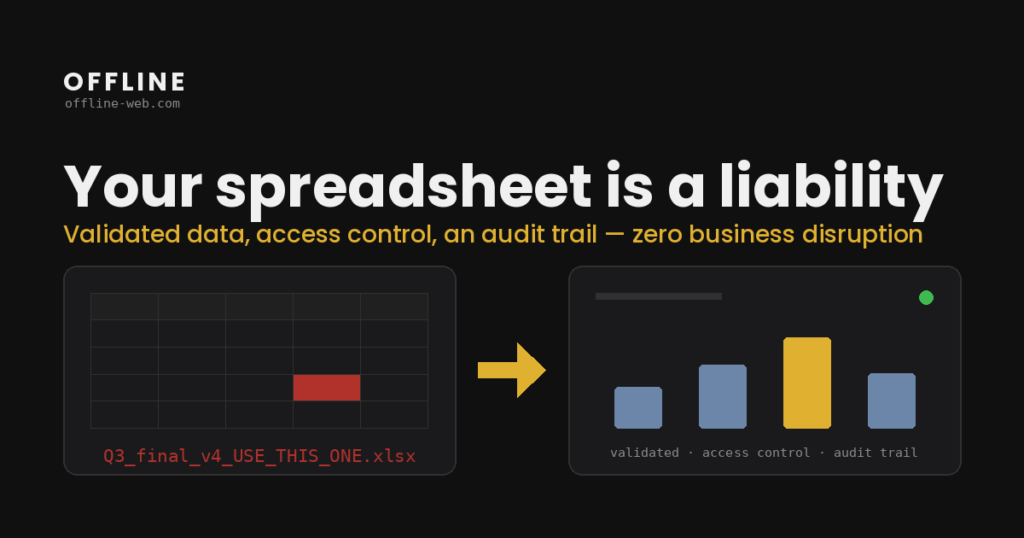
Excel is a very good tool. For calculations, analysis, models and many controlled workflows, it may be exactly what a business needs.
The problem starts when a spreadsheet stops being a tool and becomes the process itself: customers live there, approvals live there, payments live there, formulas define business rules, statuses drive work and the team has to remember the exceptions.
At that point the question is not “should we get rid of Excel?”. The question is whether the workflow now needs capabilities that a spreadsheet was never designed to provide as a multi-user application.
Five signs the process has outgrown the spreadsheet
1. There are several “correct” versions of the same file. If the team has to ask which final_v4 is really final, you no longer have one shared source of truth.
2. The logic depends on one person. If only one colleague understands the formulas, macros and exceptions, business knowledge is locked inside both a file and a person.
3. Roles are not expressed clearly. Being able to open a file is not the same as being allowed to approve a record, edit only certain fields, or see only the data relevant to your role.
4. Changes are hard to explain. Version history helps, but a real workflow often needs to show which business action changed what and why.
5. Reporting requires preparation every time. If someone has to merge exports, fix naming and reconcile numbers manually every week, the team does not have a live process yet. It has a repeated reporting operation.
When Excel is still the right choice
Not every spreadsheet should become an application.
If the file is used by a small number of people, has clear ownership, does not contain critical workflow logic, does not require complex permissions, and changes are easy to review, the cost of a custom application may not be justified.
Sometimes the right answer is simply better Excel structure, Microsoft 365 permissions, Power Query or a BI tool. The technical solution should follow the problem, not the other way around.
What changes when the process becomes a web application
In a web application, data lives in a shared database and business rules move from informal conventions into actual system logic.
That enables:
- multiple users working on the same data,
- roles and permissions,
- validation before a change is saved,
- action history where needed,
- automated notifications,
- integrations with other systems,
- dashboards that always read from the same source.
The important part is not that “Excel becomes prettier”. It is that the business process gets a clear structure. That is the point of moving from Excel to a web application, as a continuation of web application development around an existing process.
How to migrate without losing the existing logic
I start with the spreadsheet as it is really used today.
I map:
- sheets and key fields,
- formulas and calculations,
- macros or manual steps,
- who changes what,
- where data comes from,
- which reports still need to exist.
Then we separate what is data, what is a business rule and what is simply a workaround that exists because the spreadsheet had no other mechanism.
From there we can design the database structure, screens, roles and data-migration plan. The old spreadsheet can remain available until the new application has been verified against the expected outputs. When the main need is a shared view and reporting, the conversation moves towards a custom dashboard.
Frequently asked questions
How do I know whether building an application is financially worth it?
Look at how much time the team currently loses on reconciliation, copying, repeated data entry and correcting errors. Build cost should be compared with the real operating cost of the current process, not with the price of Excel itself.
Do all historical records need to be migrated?
Not necessarily. You may migrate all history, only a defined period, or only active data. The right choice depends on how the historical information is actually used.
Can some steps remain in Excel?
Yes. An application can coexist with Excel imports, exports or reports where that is genuinely useful. The goal is not to eliminate Excel. It is to stop asking it to carry workflow it was not designed for.
How long does a migration like this take?
It depends on the spreadsheet logic, data sources, roles, integrations and data quality. Those are reviewed before a reliable estimate is given.
Start with the file you use today
You do not need a finished specification. Tell me which spreadsheet the team uses, who works in it and where it starts to become limiting.
After the form, you will receive a short questionnaire that takes about 10 minutes. Based on your answers, I can prepare a first estimate of how the workflow could be structured as a web application.