

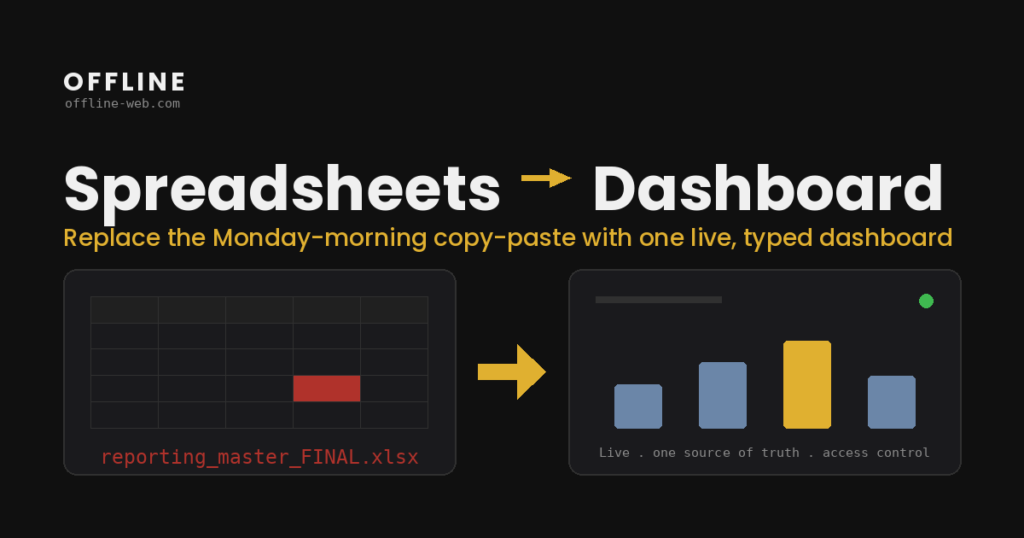
When a management or finance report needs data from several spreadsheets, exports, databases and tools, the difficult part is not the chart.
The difficult part is answering three questions: which source is authoritative, how each metric is calculated and who is allowed to change or approve the underlying data.
A custom dashboard can give a team one shared view. But if it is designed before the data is clarified, it simply moves inconsistency into a nicer screen.
The work starts with sources, not charts
Before designing dashboard screens, I map the sources.
They may include:
- Excel or CSV files,
- ERP / CRM systems,
- PostgreSQL or MySQL databases,
- third-party APIs,
- data entered manually by the team.
Every KPI or number needs a clear source and calculation rule. If two systems produce different answers, that needs to be resolved before deciding which chart belongs on the first screen.
What “one shared view” actually means
A dashboard becomes useful when different people see the same information in a way that matches their role.
An owner may need a concise view of revenue, collections and open items. A manager may need a deeper breakdown by team or client. A data-entry user may need to see only the records they are responsible for.
So a dashboard is not always just reporting. In many projects it connects to permissions, approvals, comments, history and actions. At that point it starts behaving more like an internal web application than a static report, and the discussion moves into web application development.
When Power BI, Tableau or Looker is enough
You do not need a custom application every time you have a lot of data.
A BI tool is often the better choice when:
- the data is already structured,
- the main need is analysis and visualization,
- users do not need to change operational data,
- there are no highly specific workflow or permission requirements.
A custom application makes more sense when the same interface must combine reporting with actions: data entry, approvals, status changes, uploads, workflows or write-back into other systems. That often follows a move from Excel to a web application.
How I design the first version
The first version does not need every report the company has ever used.
I start with one report or process that currently requires significant manual work. I trace each number back to its source, document the calculations and identify which steps repeat every time.
Then we define:
- which data needs to be brought together,
- which data stays in existing systems,
- which users can see what,
- which actions are required,
- which KPIs are genuinely useful in day-to-day work.
That gives the first version a real operational purpose and lets it grow later without starting as an enormous reporting project. Examples of similar applications are in the portfolio.
Frequently asked questions
Can a dashboard read from the systems we already use?
Yes, as long as there is a technical way to access the data: an API, database connection, scheduled export or another safe interface. Everything does not need to move into a new system.
Do we need to stop using Excel?
No. Excel can remain useful for ad-hoc analysis, exports or workflows where it is the right tool. The goal is to stop rebuilding the same critical view by hand every time.
When is a custom dashboard not worth it?
When an existing BI tool already covers the reporting needs without special workflows, or when the process is simple enough that a well-organized spreadsheet is still sufficient.
What affects cost the most?
The number of data sources, the consistency and quality of the data, permissions, integrations and whether the dashboard is read-only or includes real operational actions.
Start with one report you already use
Send me the report or dashboard you currently build manually, the sources you pull data from and the step that takes the most time.
Through the form you will receive a short questionnaire that takes about 10 minutes to complete. Based on your answers, I can prepare a first estimate of the likely scope, cost and timeline.