

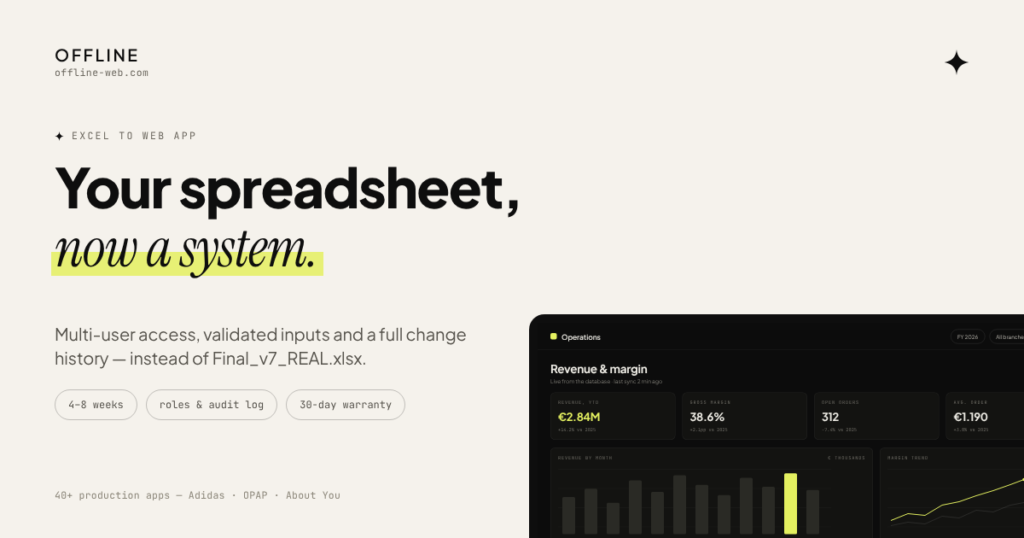
When an Excel file becomes essential to daily work but starts limiting the team, it can be turned into a proper web application. The goal is to keep the useful business logic and workflows while replacing the fragile parts with a multi-user system.
From spreadsheet to application
The existing calculations, data structure and workflow are reviewed first so the application is built around what the business already needs rather than around a generic dashboard template.
01
Understand the spreadsheet
The existing calculations, data structure and workflow are reviewed first, so the application is built around what the business already needs.
02
Design the application
The data model, screens and permissions are designed around the real workflow rather than around a generic dashboard template.
03
Build and migrate data
The application is built and the existing data is migrated, with validation and checks against the source.
04
Verify and deliver
The result is verified against the original workflow and delivered, so the team can move over without interrupting daily work.
What it can include
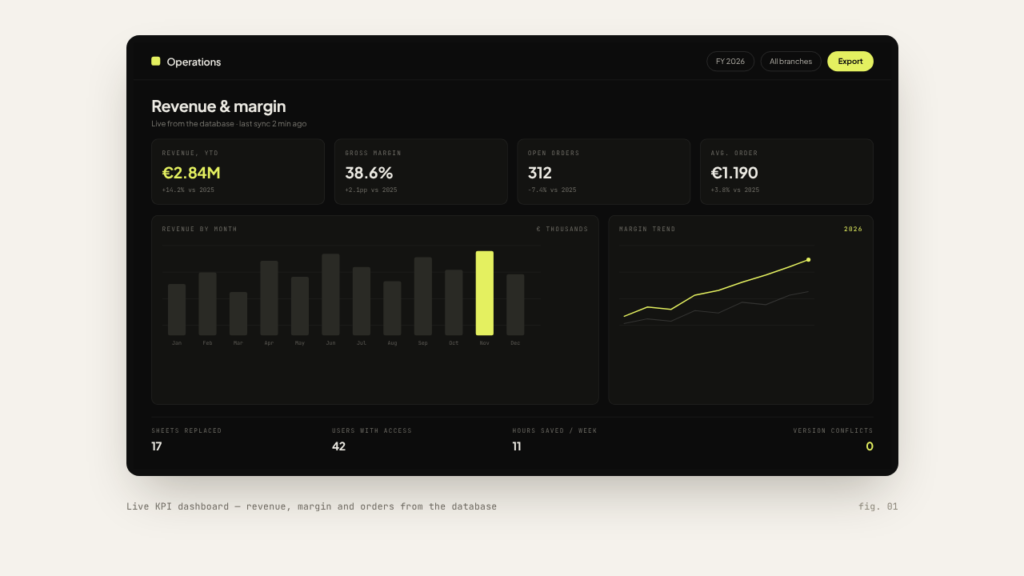
- Dashboards and reports
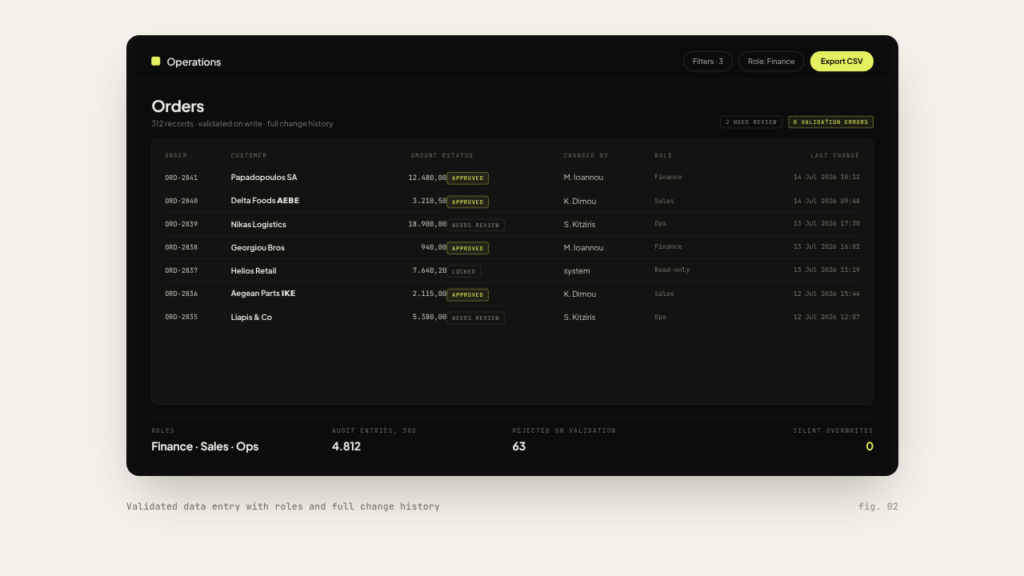
- Data entry and management
- Users and permissions
- Automation
- Integrations with other systems or data sources
Does the way we work today have to change?
Not necessarily. The goal is to keep the logic that works and improve the parts that create limitations.
Can the existing data be migrated?
In most cases yes, once the structure and quality of the data have been checked.
Can different users have different access?
Yes. Roles and permissions can be defined based on who needs to see or change each piece of information.
Do we have to stop using Excel immediately?
No. The transition can be organised gradually, depending on the process and the data.
Can new features be added later?
Yes. The application can evolve with new features, integrations and automation as needs change.
More Services
Get in touch
Athens, Greece, working remotely with EU & US teams
info@offline-web.com