

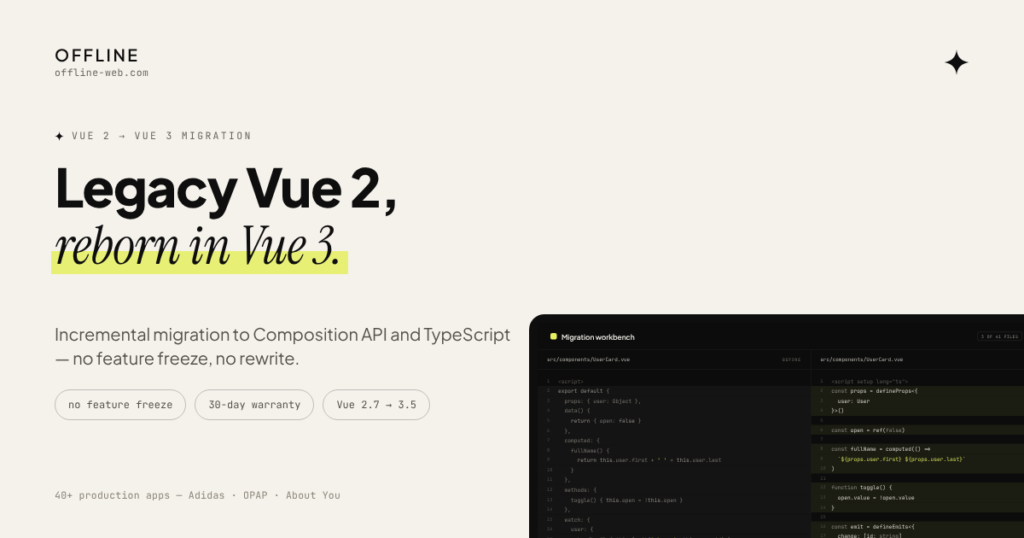
An existing application does not always need to be rebuilt from scratch. The first goal is to understand what is still working, what is holding the product back and which parts can be modernized gradually without interrupting normal development.
A rewrite is not always necessary. Frontend, backend, dependencies and UI can often be improved in stages. The right migration plan depends on the current architecture and the parts of the system that create the most friction.
Technical review
Migration plan
Gradual implementation
Verification and delivery
What can be modernized: frontend structure; backend and APIs; dependencies and tooling; user interface and experience.
- Current build tooling that removes legacy build constraints from feature delivery and day-to-day maintenance (Vite)
- A documented TypeScript codebase aligned with current tooling for onboarding and maintenance
- A staged plan designed to let normal product delivery continue where dependencies allow
- Documentation, tests and a 30-day warranty after go-live
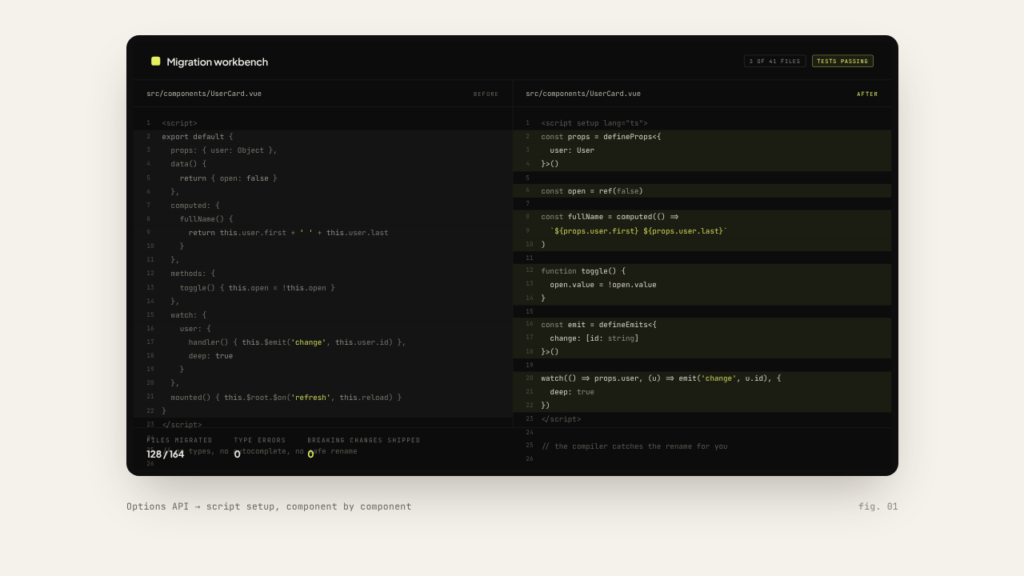
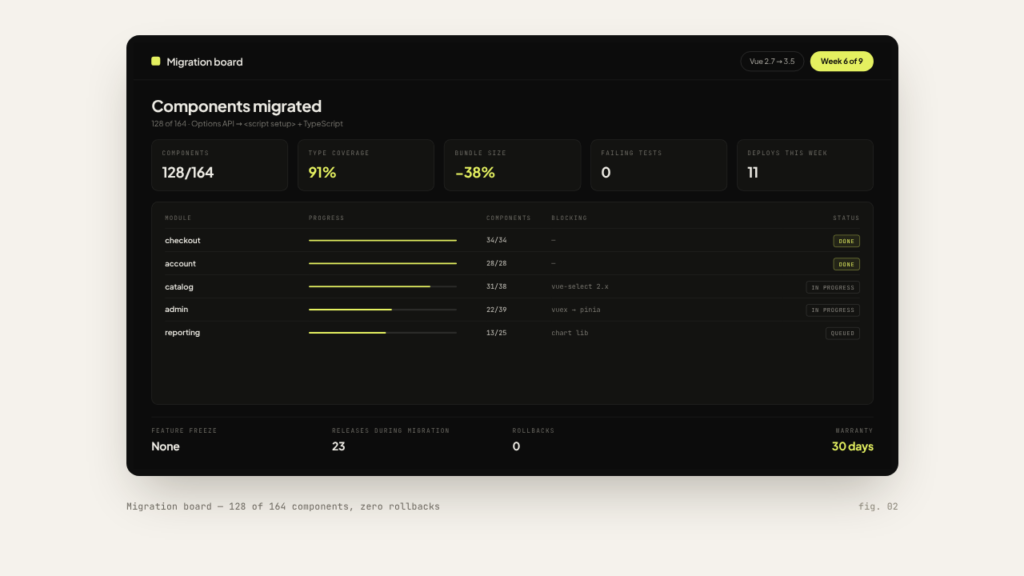
How long does a modernization take?
That depends on the size of the application, the state of the dependencies and how much of the system needs to change. The initial estimate includes a realistic first timeline based on the information you provide.
Can my team keep shipping features during the work?
Often, yes. The work moves in stages, so existing functionality stays live while the modernization progresses part by part.
What happens with incompatible libraries?
The technical review includes a full dependency map. Every incompatible library is either replaced, upgraded or isolated, and that decision is part of the migration plan.
Do you also modernize AngularJS or jQuery applications?
Yes. The process is the same: technical review, migration plan, gradual implementation, verification and delivery.
Does the application have to be rebuilt from scratch?
No. Frontend, backend, dependencies and UI can often be improved in stages. A full rewrite is only proposed when it genuinely costs less than modernizing.
More Services
Get in touch
Athens, Greece, working remotely with EU & US teams
info@offline-web.com