

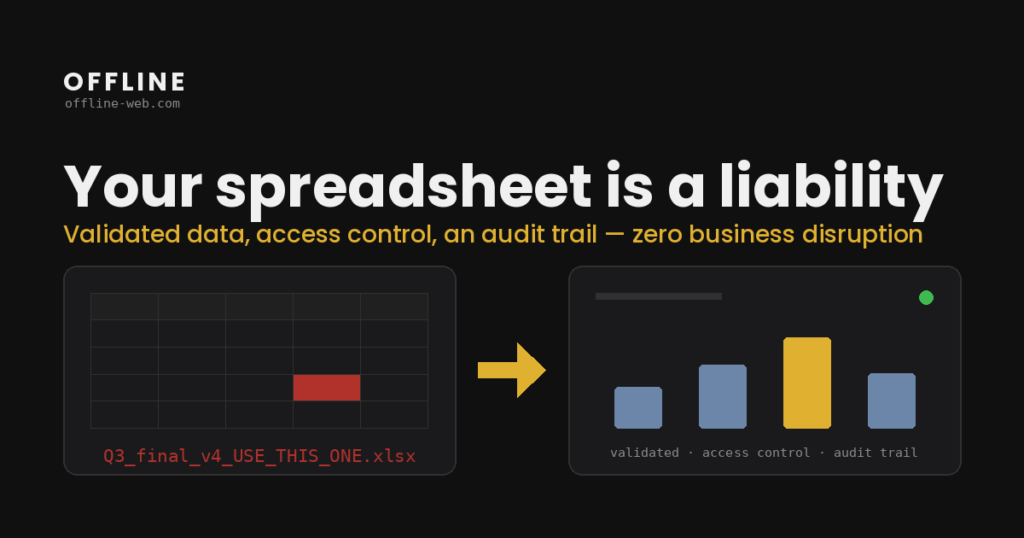
Ένα αρχείο Excel μπορεί να εξυπηρετεί σωστά μια διαδικασία για χρόνια. Η ανάγκη για αλλαγή δεν κρίνεται από την ηλικία του αρχείου ή από έναν αυθαίρετο αριθμό γραμμών. Κρίνεται από όσα ζητά πλέον η δουλειά: πόσοι άνθρωποι ενημερώνουν τα δεδομένα, ποιοι κανόνες πρέπει να τηρούνται, ποιες πηγές συνδέονται και πώς ελέγχεται το τελικό αποτέλεσμα. Όταν αυτά δεν χωρούν πια με σαφήνεια στο αρχείο, εξετάζω τη μετάβαση από Excel σε dashboard (πίνακας δεδομένων).
Ένα σωστά ρυθμισμένο αρχείο Excel στο Microsoft 365 μπορεί να υποστηρίξει ταυτόχρονη επεξεργασία, ιστορικό εκδόσεων, προβολή αλλαγών και περιορισμούς πρόσβασης. Αν αυτά αρκούν και η διαδικασία παραμένει κατανοητή, το αρχείο μπορεί να μείνει ως έχει. Το ζήτημα αρχίζει όταν κυκλοφορούν τοπικά αντίγραφα με email ή όταν η επιχειρησιακή λογική εξαρτάται από χειροκίνητους ελέγχους που γνωρίζει μόνο ένας άνθρωπος.
Τα σημάδια βρίσκονται στη διαδικασία
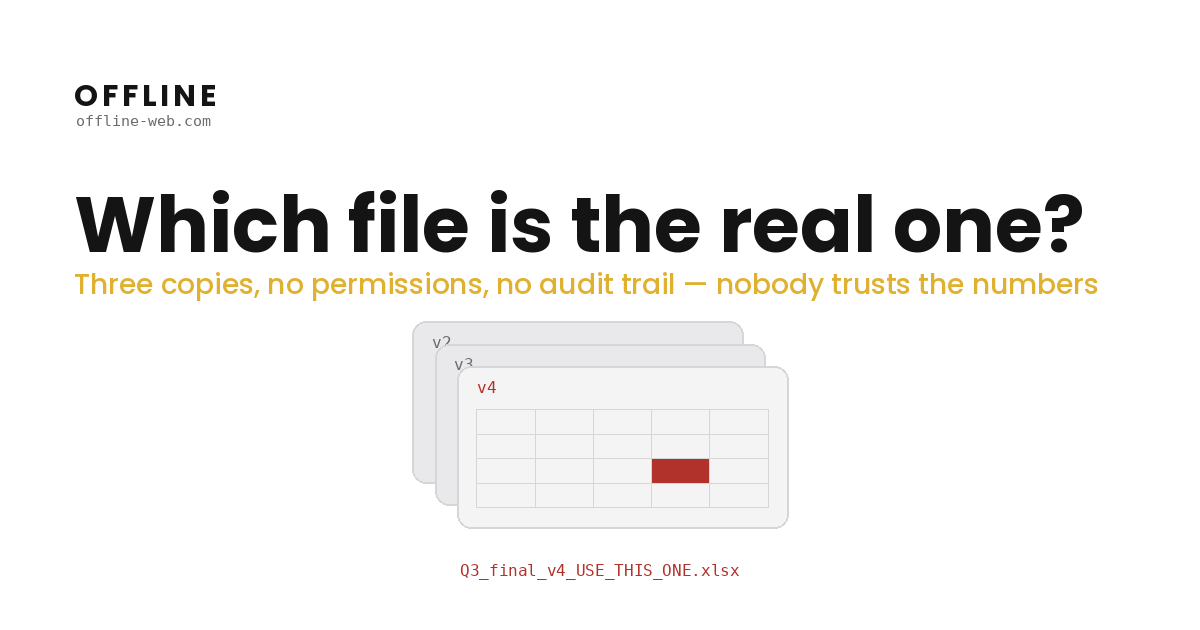
Το όνομα «Q3_τελικό_v4_ΑΥΤΟ_ΕΙΝΑΙ.xlsx» είναι αστείο μόνο μέχρι να υπάρχουν τρεις διαφορετικές εκδόσεις του. Τότε η ομάδα πρέπει να βρει ποια είναι η σωστή πριν ασχοληθεί με τα ίδια τα δεδομένα. Το πρόβλημα δεν είναι ότι το Excel δεν έχει ιστορικό εκδόσεων. Το ιστορικό εκδόσεων του Microsoft 365 δεν καλύπτει τοπικά αντίγραφα που περιέχουν πλέον διαφορετικά δεδομένα.
Άλλο σημάδι είναι οι άγραφοι κανόνες της διαδικασίας. Ένας τύπος μπορεί να είναι σωστός, αλλά η ομάδα πρέπει να ξέρει ποιος επιτρέπεται να τον αλλάξει, από ποια πηγή έρχεται η τιμή και ποιος έλεγχος προηγείται της αναφοράς. Όταν οι απαντήσεις βρίσκονται μόνο στη μνήμη ενός συνεργάτη, η διαδικασία εξαρτάται από αυτόν.
Ούτε ο αριθμός των γραμμών δίνει μόνος του την απάντηση. Ένα φύλλο υποστηρίζει έως 1.048.576 γραμμές, ενώ η πραγματική απόδοση επηρεάζεται από τους τύπους, τις εξωτερικές συνδέσεις, τα macros, τη μνήμη και τον σχεδιασμό του αρχείου Excel. Η αλλαγή έχει νόημα όταν οι ανάγκες για πρόσβαση, εγκρίσεις, συνδέσεις και κοινό ιστορικό ξεπερνούν τον τρόπο με τον οποίο λειτουργεί σήμερα το συγκεκριμένο αρχείο.
Πριν φτιάξω το dashboard, χαρτογραφώ το αρχείο
Ξεκινώ από τους τύπους και τις σχέσεις ανάμεσα στα φύλλα. Καταγράφω σε ποια κελιά καταχωρίζονται δεδομένα, ποια αποτελέσματα χρησιμοποιούνται σε αποφάσεις και ποιοι ενδιάμεσοι υπολογισμοί πρέπει να διατηρηθούν. Αν υπάρχουν macros ή pivot tables, εξετάζω τη λογική τους ξεχωριστά. Δεν μεταφέρω μηχανικά κάθε κελί σε μία οθόνη.
Μετά καταγράφω τις πηγές. Μπορεί να είναι άλλα αρχεία, αρχεία εξαγωγής, βάσεις δεδομένων ή API. Για καθεμία χρειάζεται σαφής απάντηση: ποιο σύστημα είναι η επίσημη πηγή, πόσο συχνά ενημερώνεται και τι συμβαίνει όταν μια τιμή λείπει ή δεν περνά τον συμφωνημένο έλεγχο.
Τέλος χαρτογραφώ την πρόσβαση. Ποιος καταχωρίζει δεδομένα, ποιος εγκρίνει, ποιος βλέπει μόνο την αναφορά και ποιες αλλαγές πρέπει να καταγράφονται. Έτσι τα δικαιώματα σχεδιάζονται από την πραγματική ροή και όχι από μια γενική υπόθεση ότι όλοι χρειάζονται την ίδια πρόσβαση.
Ελέγχω τα αποτελέσματα πριν από τη μετάβαση
Δεν αρκεί η νέα εφαρμογή να εμφανίζει τα ίδια πεδία. Συγκρίνω τα κρίσιμα αποτελέσματά της με το αρχείο αναφοράς, χρησιμοποιώντας ελέγχους που έχουμε συμφωνήσει. Εξετάζω τις αποκλίσεις πριν χρησιμοποιήσετε τη νέα ροή στην καθημερινή εργασία.
Η λύση μπορεί να χρησιμοποιεί, για παράδειγμα, ένα component-based framework για το frontend, μαζί με βάση δεδομένων, δικαιώματα ανά ρόλο και ιστορικό αλλαγών. Η ακριβής επιλογή εξαρτάται από τη διαδικασία. Το υπάρχον αρχείο παραμένει διαθέσιμο όσο γίνονται οι έλεγχοι, με συγκεκριμένο πλάνο για το ποια έκδοση ενημερώνεται σε κάθε στάδιο. Συμφωνώ μαζί σας την ακριβή θέση σε λειτουργία αφού χαρτογραφήσω πώς ενημερώνεται σήμερα το αρχείο Excel.
Τι παραδίδω μαζί με την εφαρμογή
Παραδίδω την εφαρμογή με τα συμφωνημένα ιστορικά δεδομένα, την τεκμηρίωση και την εκπαίδευση της ομάδας με βάση τη δική της διαδικασία. Μετά τη θέση σε λειτουργία παρέχω τεχνική εγγύηση για 30 ημέρες. Αν χρειάζεται υποστήριξη μετά από αυτό το διάστημα, μπορούμε να τη συμφωνήσουμε χωριστά.
Το χρονοδιάγραμμα εξαρτάται από τους τύπους, τις πηγές, τις διασυνδέσεις, τις εγκρίσεις και τους ελέγχους της μεταφοράς. Αυτά είναι και τα στοιχεία που εξετάζω πριν δώσω τιμή. Αν ένα οργανωμένο αρχείο Microsoft 365 καλύπτει ήδη τις ανάγκες σας, δεν θα προτείνω νέα εφαρμογή χωρίς λόγο.
Πείτε μου τι θέλετε να φτιάξετε ή να διορθώσετε, ποιο αρχείο χρησιμοποιείτε και πού δυσκολεύεται σήμερα η διαδικασία. Θα εξετάσω τα στοιχεία και θα σας απαντήσω με τιμή και χρονοδιάγραμμα μέσω email, χωρίς να χρειάζεται κλήση.
Μπορείτε επίσης να δείτε τι περιλαμβάνει η μετάβαση από Excel σε web εφαρμογή και dashboard πριν μου στείλετε το αρχείο και τις βασικές απαιτήσεις της ροής.
Τι να εξετάσετε πριν αποφασίσετε
Μπορεί να βελτιωθεί το υπάρχον αρχείο αντί να αντικατασταθεί;
Ναι. Αν το πρόβλημα λύνεται με καλύτερη οργάνωση, δικαιώματα, ιστορικό εκδόσεων ή σαφέστερη τεκμηρίωση, αυτή μπορεί να είναι η σωστή επιλογή. Εξετάζω μια νέα εφαρμογή όταν το αρχείο Excel δεν καλύπτει σταθερά τις απαιτήσεις της διαδικασίας.
Μεταφέρονται όλοι οι τύποι και τα macros;
Μεταφέρω την επιχειρησιακή λογική που χρειάζεται η νέα διαδικασία, όχι απαραίτητα τον τρόπο με τον οποίο την υλοποιεί σήμερα το αρχείο. Στον τεχνικό έλεγχο καταγράφω τους σύνθετους τύπους, τα macros και τα pivot tables και αποφασίζω αν θα τα μεταφέρω, θα τα αντικαταστήσω ή θα τα σχεδιάσω διαφορετικά.
Πώς ελέγχετε ότι τα αποτελέσματα είναι σωστά;
Ορίζω μαζί σας ποια αποτελέσματα είναι κρίσιμα και τα συγκρίνω με το αρχείο αναφοράς. Πριν από τη θέση σε λειτουργία συμφωνώ μαζί σας ποιοι έλεγχοι θα γίνουν, ποιες αποκλίσεις μπορούν να γίνουν δεκτές και πώς θα εγκριθεί το αποτέλεσμα.