

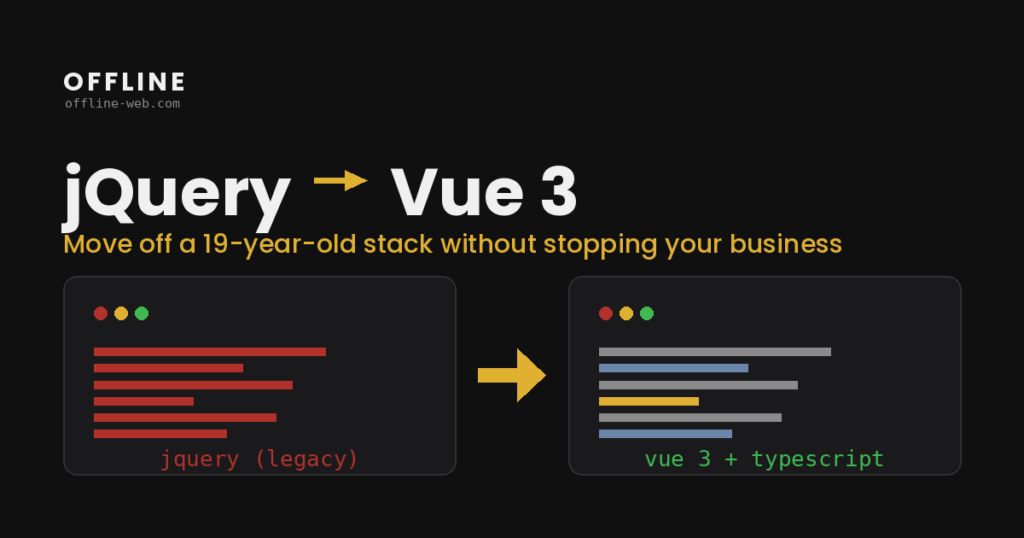
A jQuery to Vue migration is how that ten-year-old frontend becomes maintainable again. Right now, every change risks breaking something else, there are no tests to catch it, and developers who enjoy working on legacy jQuery are getting harder to find. Therefore, I turn jQuery and vanilla JavaScript frontends into modern Vue 3 applications.
Most importantly, the approach is incremental: Vue mounts inside your existing pages and features migrate one at a time, so the business never stops. It is the same process I use on enterprise systems — audit first, measurable milestones, and a codebase your team can finally test, extend, and hand to a new hire without a two-month apprenticeship.
The risk profile of a legacy jQuery frontend grows every year. Specifically, abandoned plugins stop receiving security patches, global state makes every change a gamble, and without tests, regressions surface in production instead of CI. On top of that, hiring gets harder — few developers want to maintain a stack the industry has left behind.
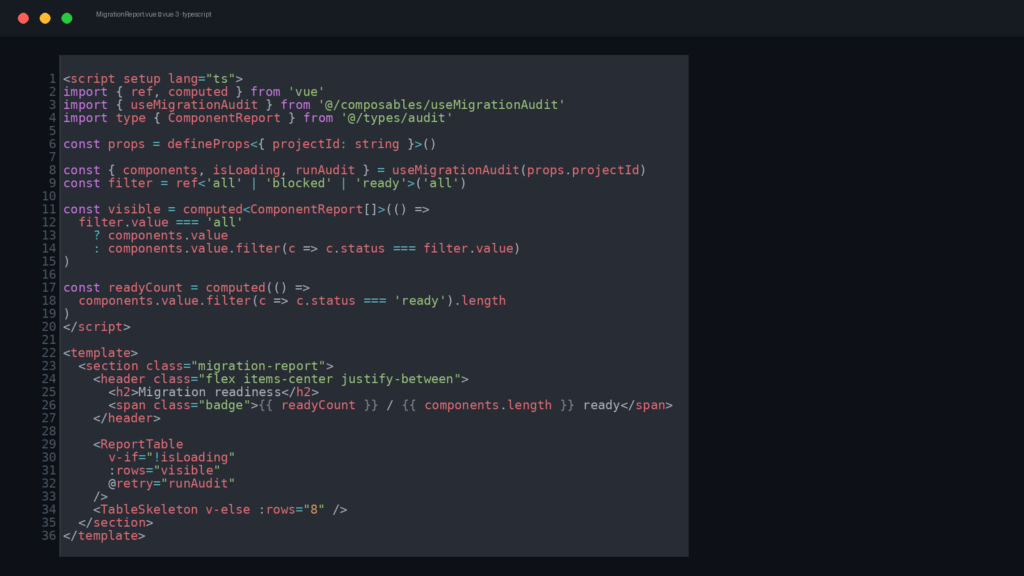
A jQuery to Vue migration turns that liability into an asset. Afterwards, features live in tested, reusable components; state becomes predictable; and the codebase starts attracting developers instead of repelling them. Most importantly, it happens incrementally — so you collect the benefits page by page, without betting the business on a rewrite.
Technical Audit
Architecture & Plan
Incremental Migration
Hardening & Handover
What a jQuery to Vue migration delivers
- Changes stop being a gamble — tested components catch regressions before your customers do
- Additionally, a frontend developers want to work on, not flee from (Vue 3, Vite, TypeScript-ready)
- No feature freeze — meanwhile, the site keeps running
- Finally, documentation and a 30-day technical warranty after go-live
Can you migrate without rewriting everything at once?
Yes — that is the whole point. Because Vue 3 mounts inside your existing pages, features migrate one by one while the rest of the app keeps running as-is.
Our jQuery code has no tests or documentation. Is that a problem?
It is the normal starting point. First, the audit reconstructs how the app actually behaves; then I add tests around each feature before it migrates — so nothing silently changes.
How long does a jQuery to Vue migration take?
Generally, a typical site or internal tool runs 4-10 weeks, depending on how much logic lives in the frontend. Either way, the audit gives you a concrete estimate up front.
We run an old PHP backend. Does that need to change too?
No. Vue talks to your existing backend as-is — server-rendered pages, AJAX endpoints or templates. In other words, modernizing the backend can come later, if ever.
More Services
Get in touch
Athens, Greece — working remotely with EU & US teams
info@offline-web.com