

Somewhere in your company there is an Excel file everyone depends on — and an Excel to web app conversion is how it stops being a liability. Formulas only one person understands, versions flying around by email, no idea who changed what: it works, until it does not. That is why I turn those files into secure, multi-user web applications.
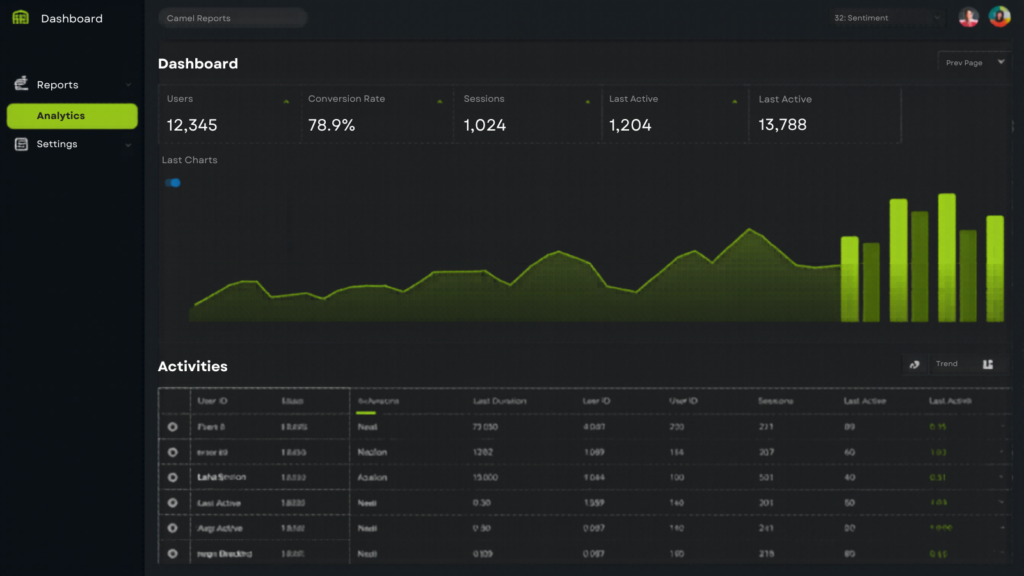
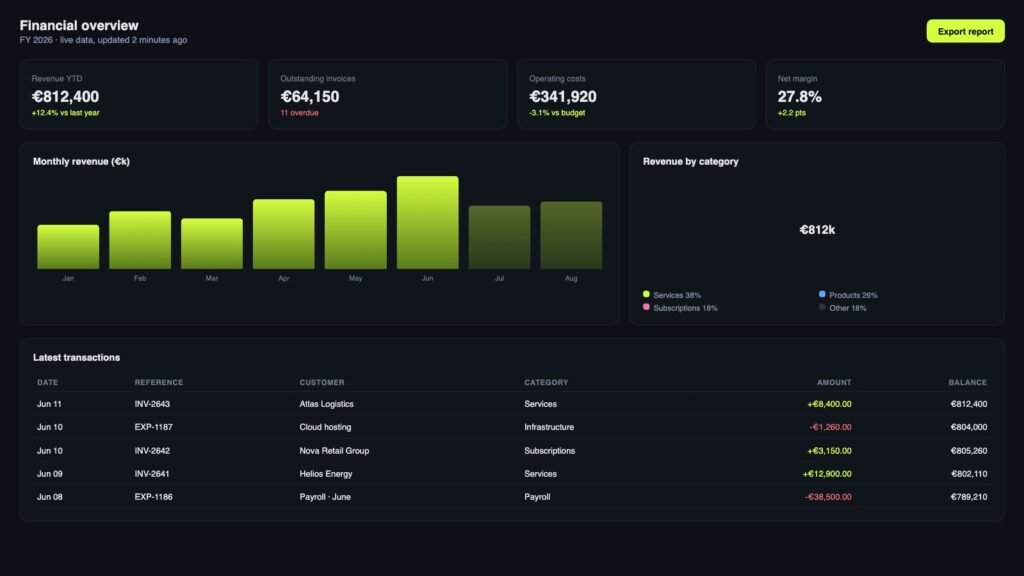
The logic stays — your formulas, your workflows — but after the Excel to web app conversion it becomes a real product: a Vue 3 dashboard with real-time data, role-based access, change history and automation. Moreover, it is built with the same process I use for enterprise clients: audit, architecture, build, 30-day warranty.
The risks hiding in business-critical spreadsheets are well documented — in fact, field audits compiled by researcher Raymond Panko (University of Hawaii) found errors in 94% of the spreadsheets reviewed. There is no access control, no validation and no audit trail: one mistyped formula can quietly skew months of decisions. Moreover, when the one person who understands the file leaves, the knowledge leaves with them.
An Excel to web app conversion removes that entire risk class. Specifically, you get validated inputs, role-based permissions and a full change history — plus dashboards that update themselves instead of waiting for Monday's manual refresh. As a result, decisions run on current numbers, and the hours your team spends on repetitive spreadsheet work come back every single week.
Excel Audit
Data & Schema Design
Dashboard Build
Migration & Warranty
What an Excel to web app conversion delivers
- Multi-user access with roles — no more versioned files in email
- Additionally, real-time dashboards and reports instead of manual updates
- Validation and change history — in other words, no silent data corruption
- Finally, automation of repetitive steps: hours saved every week
Can you really convert any Excel file into a web app?
Almost any. Complex formulas, pivot logic and macros all translate to application code. Most importantly, the audit tells you exactly what is feasible and what it costs — before you commit.
What happens to our existing data?
It migrates into the new system as part of the process, validated along the way. As a result, nothing gets lost — and you finally see who changed what, and when.
How long does an Excel to web app project take?
Generally, most conversions ship in 4-8 weeks, depending on the complexity of the file. After the audit, you get a concrete timeline.
Will the team need training?
If the app needs a manual, I have failed. Instead, the UI mirrors the workflows your team already knows — plus you get a walkthrough and documentation at handover.
More Services
Get in touch
Athens, Greece — working remotely with EU & US teams
info@offline-web.com